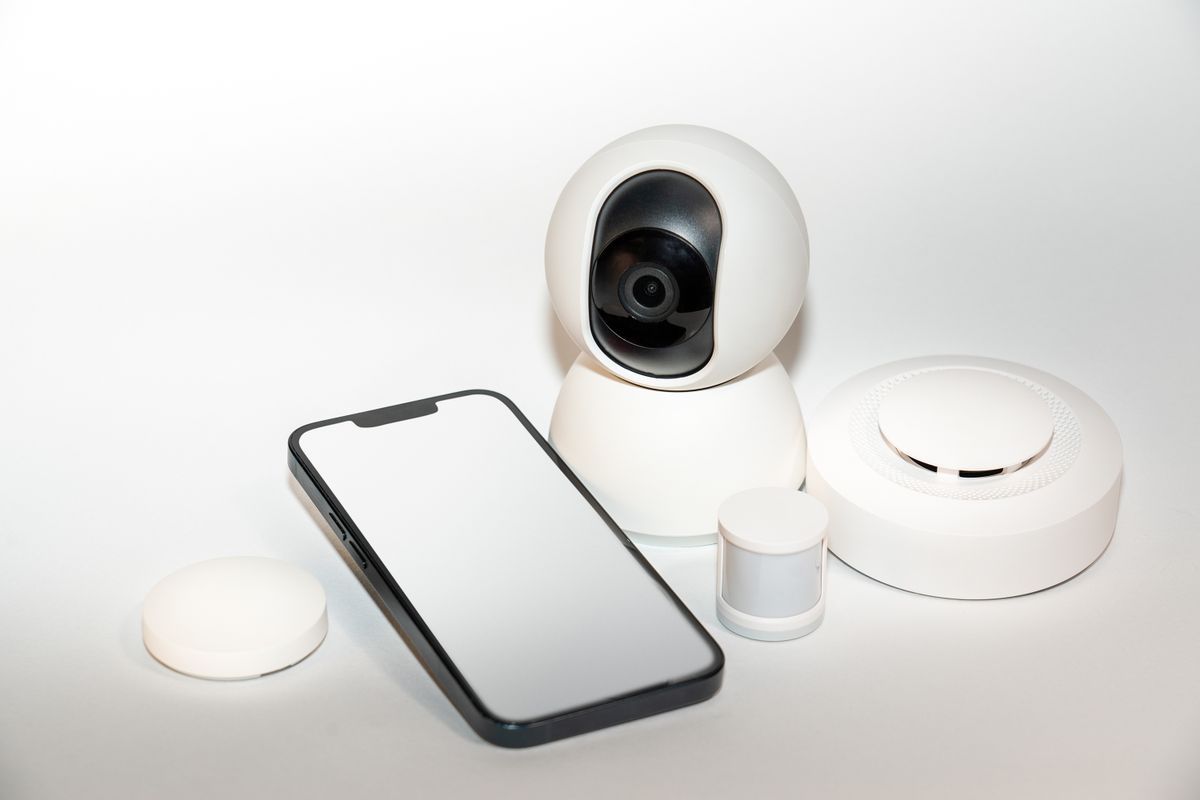
A camera in your home is a computer with a lens. Questions to ask about accounts, storage and updates first.
Home cameras are convenient and they concentrate risk: a small device with network access, a cloud account and a view of the inside of your home.
Before you buy
- Does the maker publish how long it supports the device with security updates?
- Can video be stored locally, or only in the maker’s cloud?
- Can the device work without an account?
After you plug it in
Change the default password, use a unique password for the account, turn on two-step verification and keep the camera on its own network segment if your router allows it.
Think about the view
Aim cameras at your own property and entrances, not at neighbours’ windows. Turn them off, or cover them, when you are at home and do not need them.