Why the office VPN feels slow: a five-minute path check
Before blaming the tunnel, measure each hop. Three commands tell you whether the problem is DNS, the path or the server.
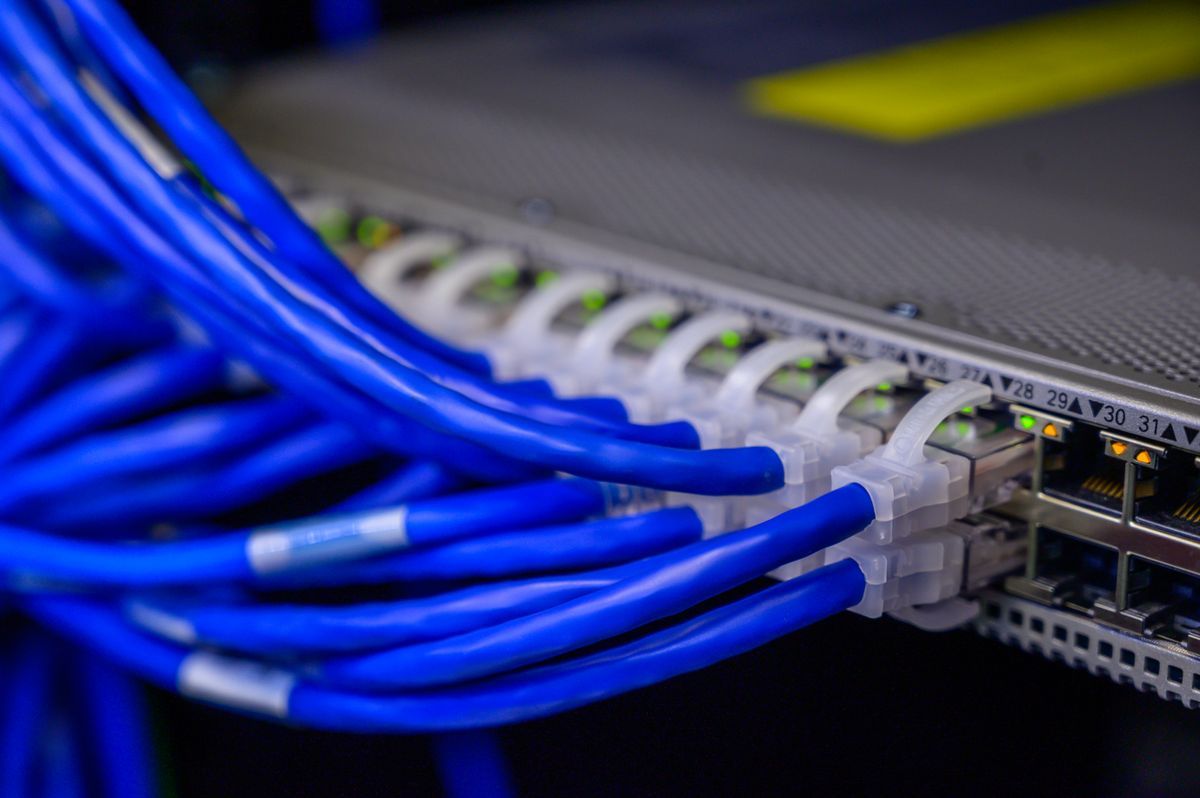
How traffic moves, and how to control it: addressing, DNS, firewalls, tunnels and the tools that show you what is really on the wire.
Before blaming the tunnel, measure each hop. Three commands tell you whether the problem is DNS, the path or the server.
Lists listening TCP and UDP sockets with the owning process. sudo is needed to see process names for other users.
sudo ss -tulpn-z checks the port without sending data; -v reports success or the error. Replace the address and port with yours.
nc -zv 203.0.113.10 443Useful when a change looks live for some people and not others. Compare the answers from two servers.
dig @1.1.1.1 example.com A +shortSends 20 probes per hop and prints one summary, instead of a live screen you have to screenshot.
mtr -rwc 20 example.com